
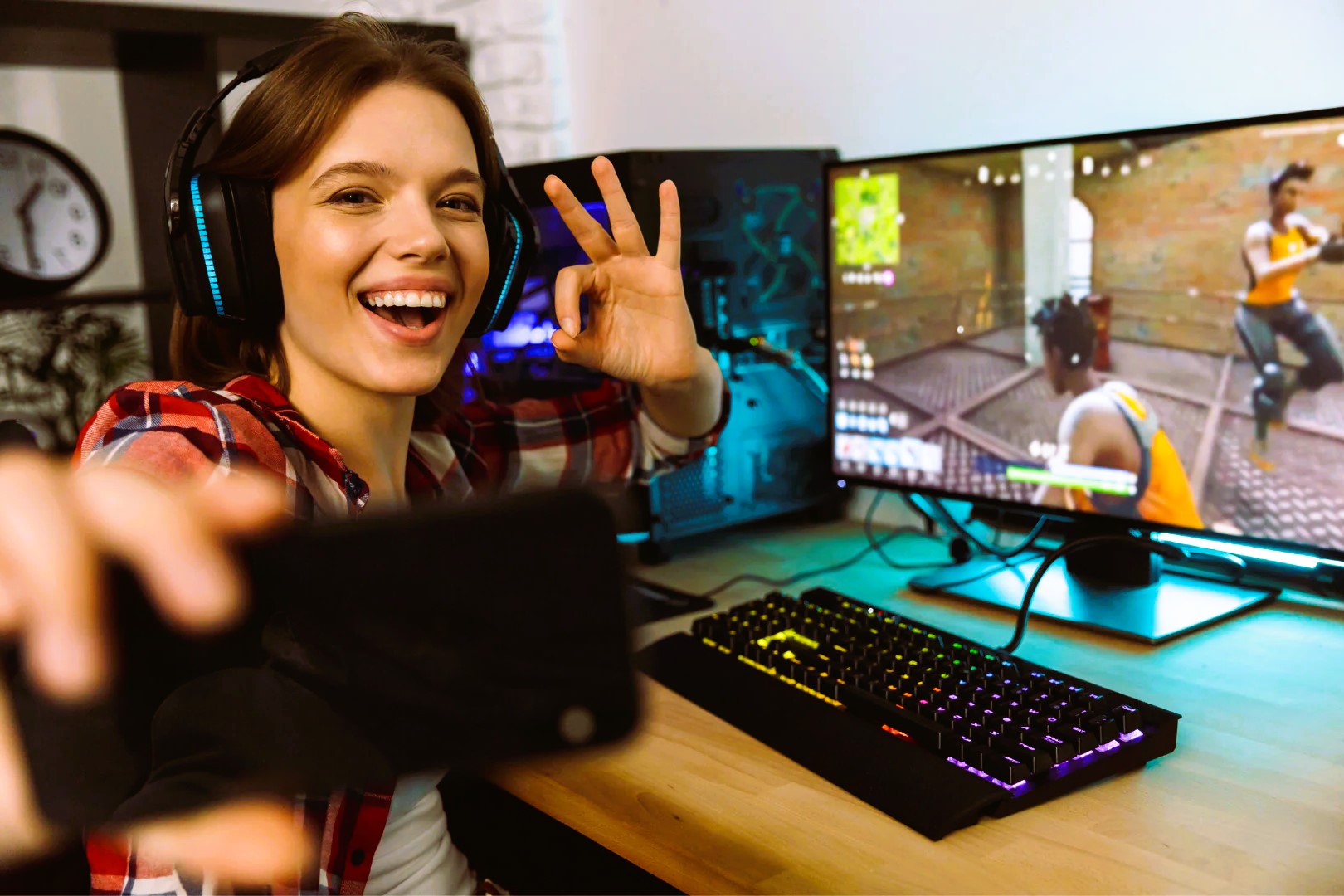
Alright, let’s get real. We all know how easy it is to get sucked into a game for hours, right? One minute you’re gearing up for a quick session, and the next thing you know, the sun’s coming up, your legs feel like they’ve been in a vice, and your eyes are ready to revolt. Gaming marathons are fun, but they can be brutal on your body if you’re not careful. You don’t want to be that gamer who’s sidelined with a stiff back or carpal tunnel syndrome. Let’s keep it healthy, because the last thing you need is to be scrolling Reddit for tips on how to heal after your gaming injury.
In this article, I’m diving into how you can avoid all the aches, pains, and general misery that come with long gaming sessions. From posture fixes to the best ways to stretch, this is your guide to keeping things smooth—not just in-game, but for your body, too.
1. Posture: Sit Right or Die Trying
Okay, let’s start with the most obvious (yet often ignored) tip: sit like you give a damn. I know, we’ve all been there—slouched over the desk with your eyes glued to the screen like you’re in some kind of gaming trance. But here’s the thing: your back will literally betray you if you don’t show it some love.
How to Fix Your Posture:
- Chair Setup: Get yourself a gaming chair that supports your back and encourages proper posture. Think lumbar support, adjustable armrests, and a height that allows your feet to be flat on the ground. If you don’t have the budget for a fancy chair, throw a cushion behind your lower back to keep it from collapsing.
- Monitor Placement: Your monitor should be eye-level—none of that “looking down” or “craning your neck” business. If you can’t see the top of your screen without tilting your head up or down, it’s time for a re-adjustment.
- Keyboard & Mouse Position: Keep your elbows at a 90-degree angle. If you’re reaching too far, your shoulders will be unhappy. Keep everything within arm’s length, and keep your wrists straight to avoid strain.
A Quick Posture Check:
- Head: Neutral position, not looking up or down.
- Shoulders: Relaxed, not hunched.
- Elbows: Bent at a 90-degree angle.
- Wrists: Straight and supported.
- Feet: Flat on the ground (or on a footrest if needed).
Don’t sleep on posture. It’s the foundation of good gaming health.
2. Breaks: Get Up and Move, Man

We all get so absorbed in the game that it feels like we’re in the zone. But here’s the kicker: long gaming sessions without breaks are like driving a car without stopping for gas—you’ll eventually run out of steam, and things will start to break down.
So what can you do? Take a break, plain and simple. You’re gonna need it.
How to Take a Break Without Losing the Flow:
- The 20-20-20 Rule: Every 20 minutes, look at something 20 feet away for 20 seconds. This helps relax your eyes, preventing digital eye strain. (Pro tip: If you can look out the window and see the outside world, even better. It’ll do wonders for your mental reset, too.)
- Stretching: Get up every 45 minutes to an hour and stretch your legs. A simple hamstring stretch or a quick walk around the room will do wonders. This gets your blood pumping and helps reduce stiffness in your back and legs.
- Use a Timer: If you’re prone to getting lost in a game and forgetting the time, use an app or a phone timer to remind you to take breaks. It’s a game-changer. Read more about how to organize a successful eSports tournament in our article.
Simple Stretching Moves to Try:
- Neck Roll: Slowly roll your neck in a full circle to release tension.
- Shoulder Shrugs: Roll your shoulders forward and backward to loosen up the muscles.
- Wrist Stretch: Stretch your wrists and fingers to keep those gaming muscles in check.
Taking breaks doesn’t mean you’re slacking—it’s a crucial part of staying in top form.
3. Hydration: Don’t Let Your Body Go on Strike
Hydration is an unsung hero of long gaming sessions. When you’re focused on getting that clutch play, you forget to drink water, and suddenly you’re parched, with a headache to boot. Not cool.
How to Stay Hydrated:
- Water Is Your Best Friend: You should aim to drink water regularly during your gaming sessions. Keep a bottle nearby so you don’t forget. Skip the sugary sodas or energy drinks that make you crash harder than your Wi-Fi signal.
- Hydration Reminders: If you’re deep in the zone and forget to drink, use a reminder app or set a timer. You can even pair it with your break timer so you’re getting both hydration and stretching in.
- Electrolytes Are Key: If you’re really grinding it out for hours, throw in a sports drink or electrolyte tablets. These will help replenish the nutrients you’re losing while playing.
It’s crazy how much a little hydration can keep you feeling sharp and ready to go.
4. The Battle with Carpal Tunnel: Protect Your Hands
The real damage usually comes from those small, repetitive movements you do for hours on end. Your fingers are like tiny warriors, but even warriors need some downtime.
How to Avoid Hand Fatigue:
- Ergonomic Gear: Invest in an ergonomic keyboard and mouse. These are designed to reduce strain on your wrists. Look for models that support a natural hand position, and don’t go overboard with the sensitivity settings.
- Take Hand Breaks: Just like your legs and back, your hands need breaks too. Do simple wrist stretches or shake out your hands after every game session.
- Hand Position: Keep your hands relaxed, not tensed. You want to avoid bending your wrists too much, so make sure you’re not holding the mouse or keyboard with a death grip.
5. The Importance of Sleep: Game Hard, Rest Harder

You’ve heard this one before, but it’s crucial: sleep is your friend. I know, I know, there’s always that next level, but gaming while sleep-deprived is a one-way ticket to bad decisions and poor performance.
How to Get Better Sleep:
- Set a Cut-off Time: No matter how great your gaming session is, set a time to wrap things up. Staying up too late messes with your sleep cycle, which in turn messes with your reaction time the next day.
- Power Naps: If you’re running low on sleep, power naps are a solid way to recharge. But remember, keep it short—aim for about 20 minutes to feel refreshed without hitting the grogginess.
- Create a Sleep Routine: Your body loves routine. Try to get on a consistent sleep schedule so you’re not sacrificing performance for late-night gaming.
6. Tech Gear: The Right Setup for Peak Performance
While your body is important, your tech setup matters too. The right gear can help you avoid unnecessary fatigue and enhance your gaming experience.
The Ultimate Gear Checklist:
- Comfortable Chair: A good chair is like armor for your back.
- Adjustable Desk: If you can, get a standing desk for those times when you need to change up your posture.
- Blue Light Glasses: Protect your eyes from screen strain with a solid pair of blue light glasses.
- Ergonomic Accessories: Get a wrist rest for your keyboard and mouse, and keep your setup optimized for long sessions.
Look, gaming is about fun, not about wrecking your body. By following these tips, you’ll avoid the long-term pain and fatigue that can come from long sessions. Remember: sit right, take breaks, hydrate, protect your hands, get some sleep, and set up your gear properly. You want to game well, so you need to stay well.
Check out more about healthy gaming habits on Wikipedia’s gaming page.